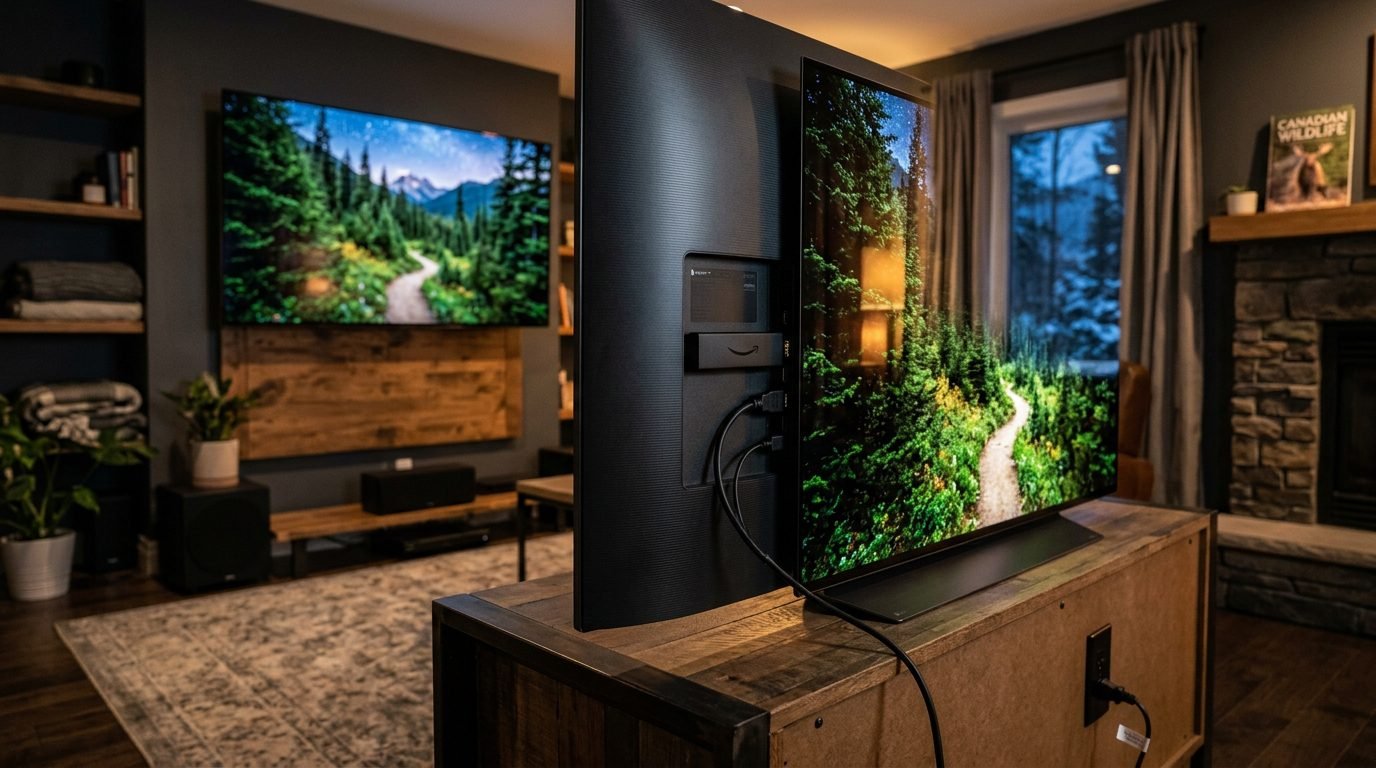
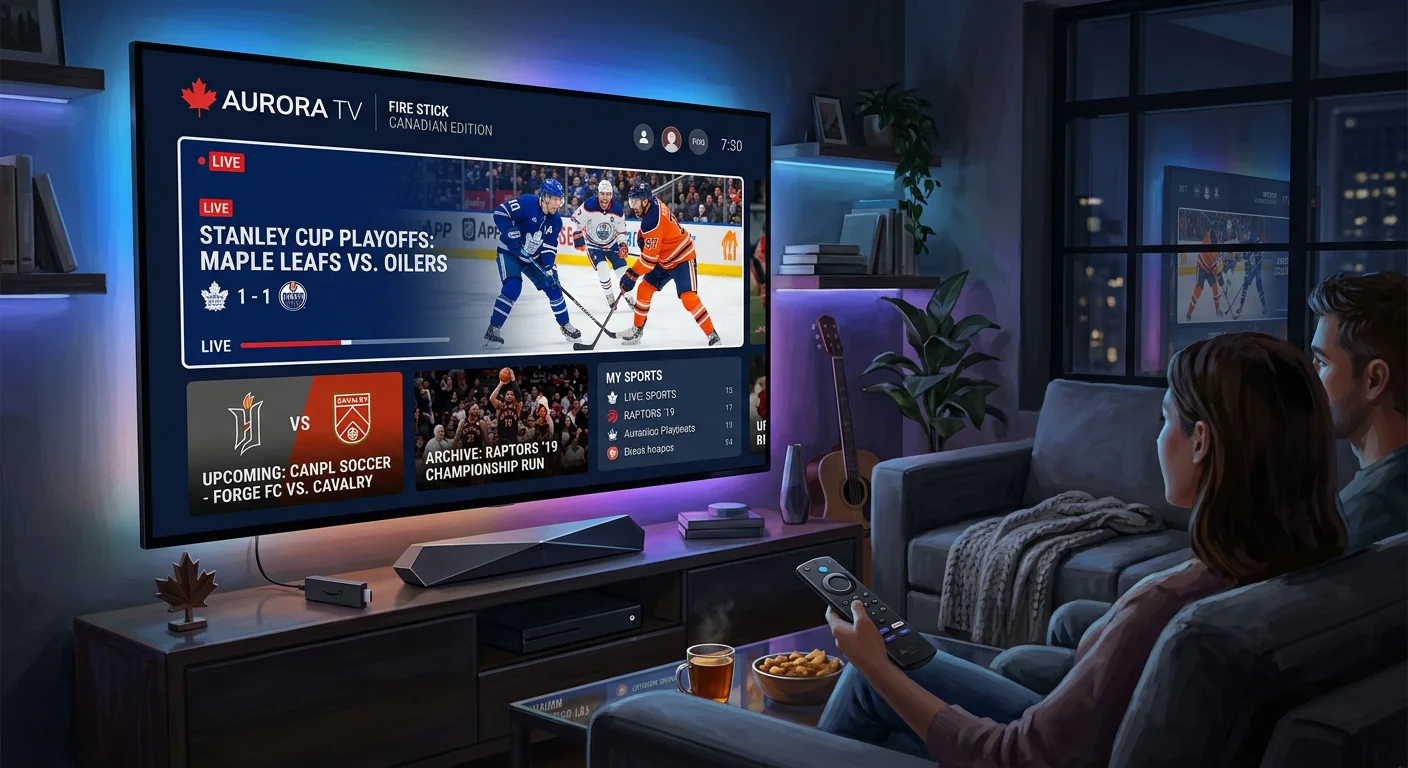
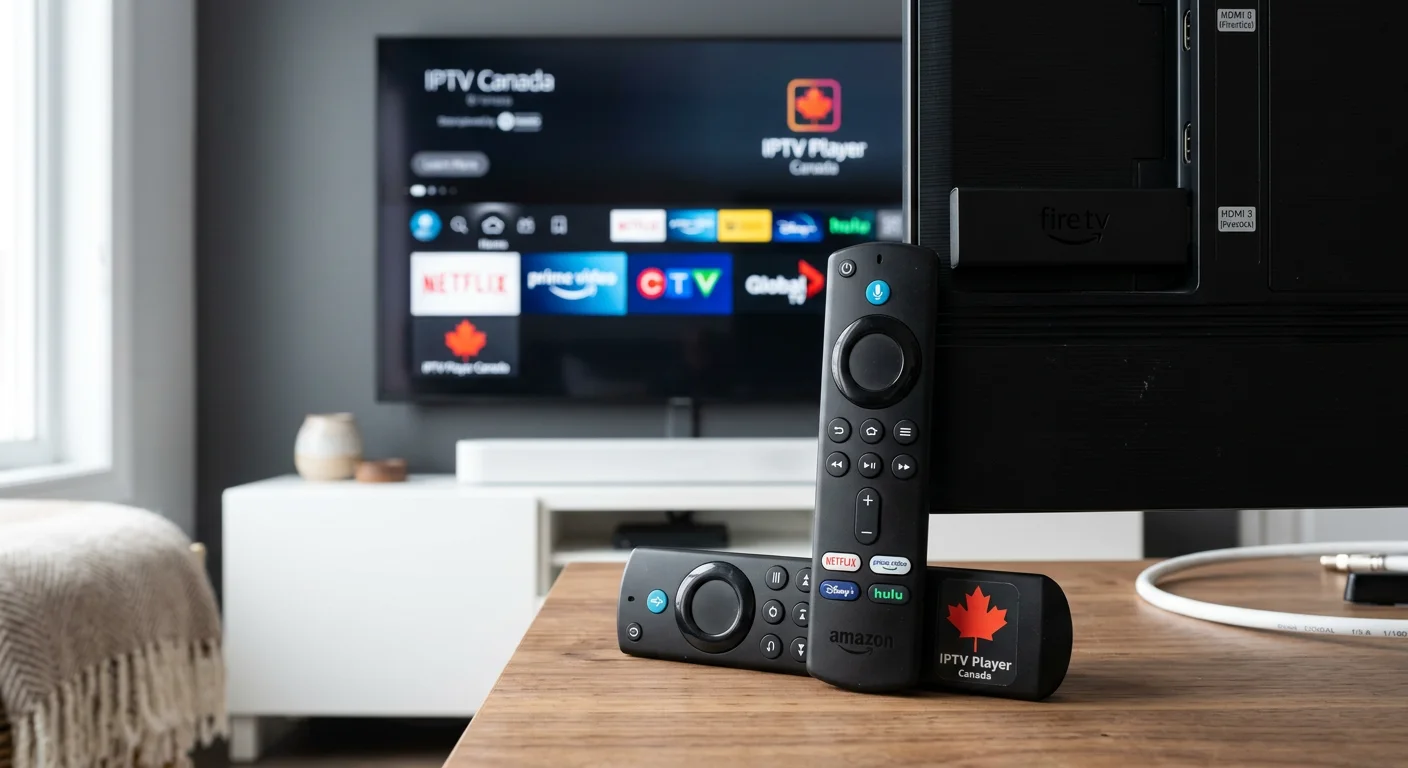
The Amazon Fire TV Stick is Canada’s most popular cord-cutting device, affordable, simple to set up, and compatible with any HDMI TV. For Canadian households switching from cable to IPTV, it’s the most accessible starting point. This IPTV Firestick Canada guide covers everything you need: which Fire TV Stick model to choose, how to install IBOplayer Pro from the Amazon Appstore, and how to connect your Royal Stream IPTV subscription in 2026.
Before you begin: Royal Stream IPTV offers a 24-hour free trial with no credit card required. Test the full channel lineup on your Fire TV Stick before committing to any plan.
Why the Amazon Fire TV Stick Is Perfect for IPTV Streaming in Canada
For Canadian cord-cutters, the Fire TV Stick makes more practical sense than most alternatives. Here is why it consistently tops device recommendations for IPTV Firestick Canada setups:
Affordable, Fraction of a Smart TV Cost
A new Amazon Fire TV Stick HD is available on Amazon.ca for approximately $34.99 CAD. The Fire TV Stick 4K Max, the recommended model for HD and 4K IPTV, retails for approximately $79 CAD. Compare that to a new 4K Smart TV ($500–$1,500+ CAD) and the value is clear: if your current TV has an HDMI port, you don’t need a new television to access premium IPTV streaming in Canada.
Plug-and-Play Setup
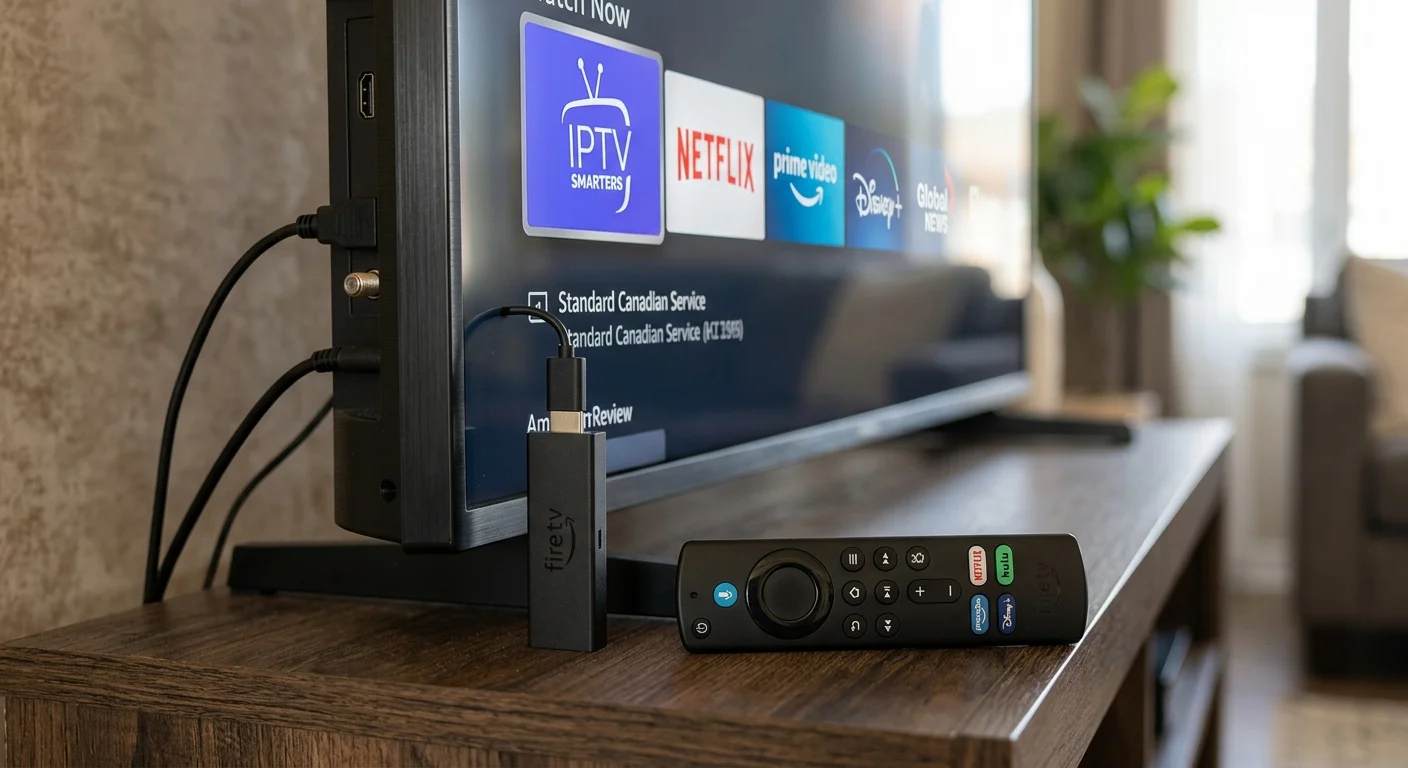
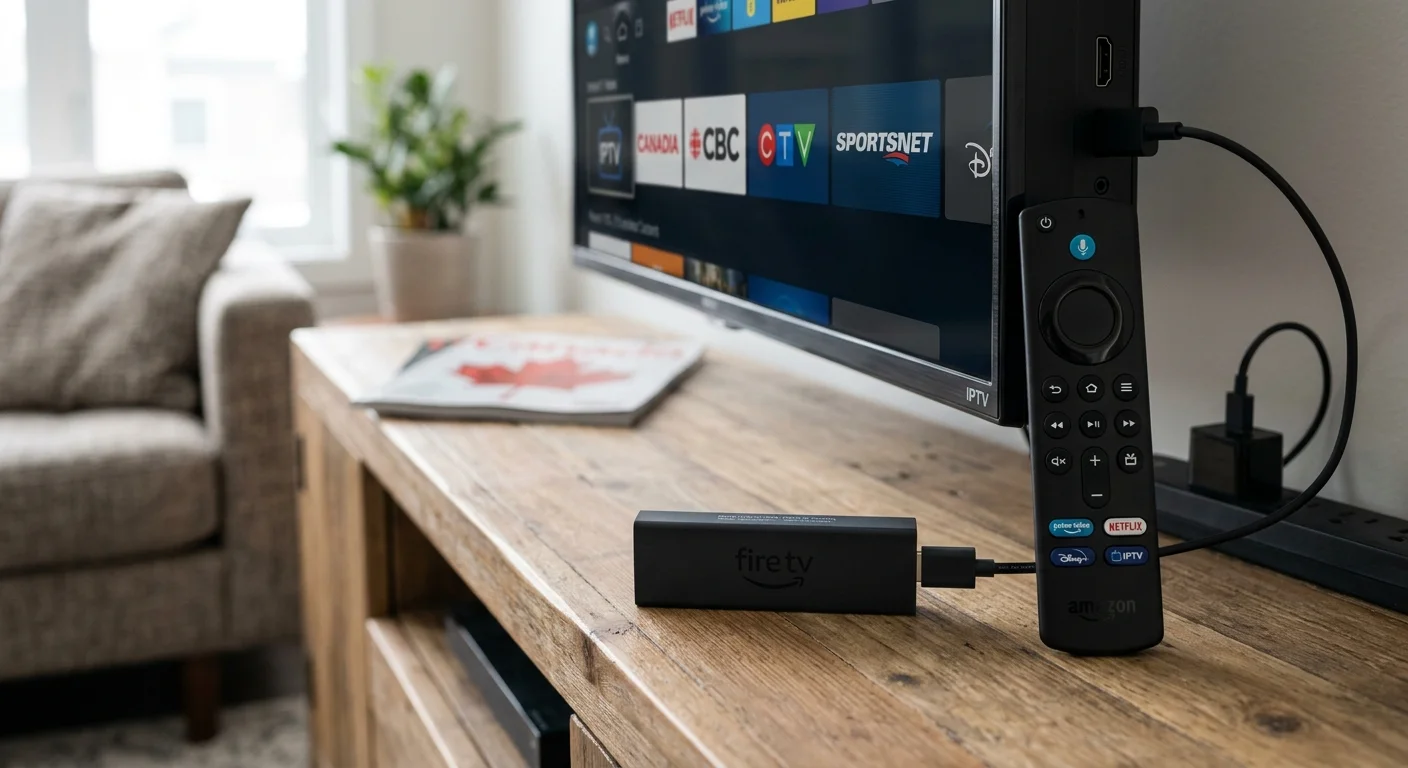
The Fire TV Stick plugs directly into your TV’s HDMI port and draws power from a standard wall outlet or USB port. Initial setup, connecting to Wi-Fi, signing into your Amazon account, and downloading apps from the Amazon Appstore, takes under 15 minutes for most users. No technician, no installation appointment.
Works With Any HDMI TV
You don’t need a Smart TV to use a Fire TV Stick. Any television with an HDMI input, including older flat-panel TVs, becomes a streaming device when you plug in a Fire TV Stick. This is one of the biggest advantages for Canadian households with older televisions who want IPTV access without a full replacement.
Access to the Amazon Appstore
The Fire TV Stick runs a version of Android (or Vega OS on newer 2026 models) with full access to the Amazon Appstore. IBOplayer Pro is officially available in the Amazon Appstore and is the recommended player for Royal Stream IPTV on Firestick, no alternative installation methods required.
Which Fire TV Stick Models Work for IPTV Firestick Canada Setups in 2026?
Amazon sells several Fire TV Stick models in Canada. All support IPTV through the Amazon Appstore, but the right choice depends on your TV and streaming habits.
Fire TV Stick (Standard), Solid HD Option
The standard Fire TV Stick supports 1080p HD streaming and handles most IPTV content without issue. Adequate for households watching standard HD channels. Available for approximately $49–$59 CAD on Amazon.ca. Per Amazon.ca’s Fire TV page (verified April 2026), this model is compatible with all Amazon Appstore apps including IBOplayer Pro.
New 2026 Fire TV Stick HD, Amazon Appstore Only (Vega OS)
Amazon released a new Fire TV Stick HD in 2026 running Vega OS, Amazon’s proprietary operating system that replaces Android on newer devices. Vega OS devices only support apps from the Amazon Appstore. This makes IBOplayer Pro the correct choice for IPTV Firestick Canada setups on these devices, as it is officially listed on the Amazon Appstore. Starting at approximately $34.99 CAD, this is the most affordable entry point for cord-cutters.
Fire TV Stick 4K Max, Recommended for IPTV Canada
The Fire TV Stick 4K Max is the recommended device for Royal Stream IPTV users in Canada. It supports 4K Ultra HD, HDR10+, Dolby Vision, and Dolby Atmos audio, and includes Wi-Fi 6E support for faster, more stable wireless connections. Available for approximately $79 CAD on Amazon.ca. The improved processor reduces buffering on high-definition channels compared to the standard model, making it the best IPTV Firestick Canada choice for households prioritizing picture quality.
Fire TV Cube, Best for Premium Households
The Fire TV Cube is Amazon’s premium streaming device with Alexa voice control built in. At approximately $169 CAD, it delivers the most reliable performance for households streaming multiple 4K feeds simultaneously or running IPTV alongside other streaming services.
Older Fire TV Stick Generations, Still Compatible
Older Fire TV Stick models released before 2024 run Android and fully support apps from the Amazon Appstore. If you have an older Fire TV Stick with IBOplayer Pro installed, your IPTV Firestick Canada setup remains functional. Performance may vary on 1st and 2nd generation devices with 4K content.
What Internet Speed Do You Need for IPTV on Firestick in Canada?
Your internet connection determines the quality of your IPTV Firestick Canada streaming experience. Here are the speed requirements by quality level:
- Standard Definition (SD): 5 Mbps minimum per stream
- High Definition (1080p): 10–15 Mbps per stream
- 4K Ultra HD: 25–50 Mbps per stream
- Multiple simultaneous streams: Multiply the per-stream requirement by the number of active streams
Most Canadian households with internet from Bell, Rogers, Telus, Vidéotron, or Shaw already have plans well above these minimums. A standard 100 Mbps home internet plan supports multiple simultaneous IPTV streams without any configuration changes.
Wi-Fi vs. Ethernet for Fire TV Stick IPTV
The Fire TV Stick connects via Wi-Fi by default. For most Canadian households, a 5 GHz Wi-Fi connection delivers adequate performance for HD IPTV. If you experience buffering, switching from 2.4 GHz to the 5 GHz band typically resolves the issue. The Fire TV Stick 4K Max includes Wi-Fi 6E support, which reduces interference on congested home networks. For 4K IPTV, a wired Ethernet connection via a USB-to-Ethernet adapter (sold separately) provides the most stable connection.
Test Your Connection Before Setup
To verify your internet speed before completing your IPTV Firestick Canada setup, use the built-in Silk Browser on your Fire TV Stick to visit fast.com and run a quick speed test. If your result is below 10 Mbps for HD or 25 Mbps for 4K, contact your internet provider before subscribing to an IPTV service.
Step-by-Step, Install IBOplayer Pro on Your Fire TV Stick for IPTV Canada
IBOplayer Pro is officially available in the Amazon Appstore and works on all current Fire TV Stick models, including the new 2026 Vega OS devices. The complete IPTV Firestick Canada setup process:
- Turn on your Fire TV Stick and reach the Home screen.
Ensure your Fire TV Stick is plugged into your TV’s HDMI port and powered on. Complete the initial Amazon setup (Wi-Fi, Amazon account sign-in) if you haven’t already. - Navigate to the Amazon Appstore.
From the Fire TV home screen, select the magnifying glass (Search) icon or go to Apps in the top menu. Select Amazon Appstore. - Search for IBOplayer Pro.
Use your Fire TV remote to type IBOplayer Pro in the Appstore search bar. The app appears as “IBO PLAYER PRO” in the results. Select it. - Download and install IBOplayer Pro.
Select Download (the app is free to install). Installation takes 30–60 seconds. Once installed, select Open. - Launch IBOplayer Pro and select your login method.
IBOplayer Pro opens to a welcome screen. Select Xtream Codes Login, Royal Stream IPTV delivers credentials in Xtream Codes format. - Enter your Royal Stream IPTV credentials.
Enter the server URL, username, and password from your Royal Stream IPTV welcome email. These credentials are sent to your registered email within minutes of activating your subscription or 24-hour free trial. - Start streaming.
IBOplayer Pro loads your channel list from Royal Stream’s servers. Browse 120,000+ live channels organized by country, language, and category, and begin streaming immediately.
The complete IPTV Firestick Canada installation, from Appstore download to first channel, takes approximately 5–10 minutes.
Why IBOplayer Pro Is the Recommended App for IPTV Firestick Canada
IBOplayer Pro stands out as the right choice specifically for Amazon Fire TV Stick users in Canada. Here is why it is the recommended option for any IPTV Firestick Canada setup in 2026:
- Officially on the Amazon Appstore: IBOplayer Pro is listed and installable directly from the Amazon Appstore, no workarounds required. This makes it compatible with all Fire TV Stick models, including the 2026 Vega OS devices that only accept Appstore apps.
- Full Fire TV remote support: Built for TV use, IBOplayer Pro responds to Fire TV remote navigation, directional pad, select, and back button, without touchscreen input.
- Compatible with Royal Stream credentials: IBOplayer Pro supports Xtream Codes login, which is how Royal Stream IPTV delivers account credentials. Setup takes under two minutes.
- Works on all current Fire TV Stick models: Fire TV Stick, Fire TV Stick 4K, Fire TV Stick 4K Max, Fire TV Cube, and the 2026 Fire TV Stick HD (Vega OS).
- Handles large channel libraries: IBOplayer Pro manages Royal Stream’s 120,000+ channel lineup efficiently, with fast channel switching and stable playback.
What If I Already Have a Different IPTV App on My Fire TV Stick?
Some Royal Stream IPTV subscribers already use other IPTV player apps on their Fire TV Stick. If your current app works correctly with your Royal Stream credentials, there is no need to switch. IBOplayer Pro is the recommended choice for new setups and for users on 2026 Vega OS devices.
Royal Stream IPTV is also compatible with apps available in their respective official stores on Smart TVs, mobile devices, and computers, giving you flexibility across all your devices beyond Firestick. For Smart TV setup, see the Samsung Smart TV guide for a comparable walkthrough. For a full breakdown of every supported platform, see the IPTV compatible devices Canada guide.
Need help with your Fire TV Stick setup?
If you’re using a non-standard Fire TV Stick configuration, an older device, or need personalized setup assistance for your IPTV Firestick Canada installation, our 24/7 Canadian support team is available via WhatsApp at +212 607-233558 or email at support@royalstreamiptv.com. We’ll walk you through the right setup for your specific device.
How to Watch Royal Stream IPTV on Your Fire TV Stick
Once IBOplayer Pro is installed and your credentials are entered, here is what Royal Stream IPTV delivers on your Fire TV Stick:
Your Login Credentials
Royal Stream IPTV sends your Xtream Codes login details, server URL, username, and password, to your registered email address immediately after subscribing or activating your free trial. Keep this email; you will need these credentials if you add Royal Stream to a second device.
What Is Included on Every Plan
Every Royal Stream IPTV plan includes the complete channel lineup: 120,000+ live channels across 50+ countries, content in 30+ languages, Canadian sports (TSN, Sportsnet, RDS, TVA Sports), news (CBC, CTV, Global, LCN), kids programming, and international content. There are no locked tiers or add-on fees for specific categories. Compared to traditional cable, the cost difference is significant, see the IPTV vs cable Canada comparison for a full breakdown.
Multi-Device Plans
Royal Stream IPTV supports 1, 2, 3, and 5 simultaneous connection plans. A 2-connection plan lets you stream on your Fire TV Stick in the living room while someone else watches on a phone or tablet, both using the same subscription. View all plans from $20 CAD/month.
Troubleshooting Common IPTV Firestick Canada Issues
Most IPTV Firestick Canada setup problems have straightforward fixes. Here are the most common issues and solutions:
Buffering or Quality Drops
Buffering is almost always a connection issue, not an IPTV service issue. Try these fixes in order: (1) Switch from 2.4 GHz to 5 GHz Wi-Fi. (2) Close background apps on your Fire TV Stick via Settings, Applications, Manage Installed Applications. (3) Restart your router and Fire TV Stick. (4) Connect via Ethernet using a USB-to-Ethernet adapter. If buffering persists, run a speed test to confirm your connection meets the 10 Mbps HD minimum.
IBOplayer Pro Won’t Launch or Freezes
Force-close and restart: press and hold the Home button on your Fire TV remote, select Apps, find IBOplayer Pro, Force Stop. If freezes continue, uninstall and reinstall IBOplayer Pro from the Amazon Appstore.
Login Credentials Not Working
Copy your credentials directly from your Royal Stream IPTV welcome email, avoid retyping manually to prevent errors. Confirm you are selecting Xtream Codes Login in IBOplayer Pro. If credentials still fail, check whether your trial or subscription has expired at royalstreamiptv.com.
Audio Out of Sync
Audio sync issues are typically channel-specific. Switch channels and return to see if sync self-corrects. If the issue affects all channels, navigate to Settings, Display & Sounds, Audio, Dolby Digital and set to Stereo or Dolby Digital Plus depending on your TV’s audio system.
Channels Won’t Load
If specific channels fail to load, the issue is typically temporary. Wait a few minutes and retry. If an entire category fails, force-close IBOplayer Pro and re-enter your credentials to refresh the channel list from Royal Stream’s servers.
Need help with your Fire TV Stick setup?
If you’re using a non-standard Fire TV Stick configuration, an older device, or need personalized setup assistance for your IPTV Firestick Canada installation, our 24/7 Canadian support team is available via WhatsApp at +212 607-233558 or email at support@royalstreamiptv.com. We’ll walk you through the right setup for your specific device.
Why Royal Stream IPTV Is Built for Fire TV Stick Users in Canada
Royal Stream IPTV was designed with Fire TV Stick users in mind. For Canadian households moving away from traditional cable, it addresses the gaps that cable and single-service streaming apps leave open:
- 120,000+ live channels, Canadian sports (TSN, Sportsnet, RDS), news (CBC, CTV, Global), kids content, and international channels from 50+ countries
- 4K streaming on supported content, fully optimized for Fire TV Stick 4K Max and Fire TV Cube
- 30+ languages, English, French, Punjabi, Mandarin, Arabic, Tagalog, Spanish, and more, with no add-on fees
- Starting at $20 CAD/month, or $69 CAD/year on the 12-month plan
- 24-hour free trial, no credit card required, full access on your Firestick immediately
- 24/7 Canadian support, WhatsApp and email, based in Montréal, Quebec
Royal Stream IPTV is founded by Marc Tremblay, based in Montréal, Quebec, a Canadian service built for the specific viewing habits of Canadian households. For a complete comparison with traditional cable providers, visit the Bell vs Vidéotron vs IPTV Canada guide.
Frequently Asked Questions, IPTV Firestick Canada 2026
Does Royal Stream IPTV work on Amazon Fire TV Stick?
Yes. Royal Stream IPTV works on all current Amazon Fire TV Stick models, Fire TV Stick HD, Fire TV Stick 4K, Fire TV Stick 4K Max, and Fire TV Cube. Install IBOplayer Pro from the Amazon Appstore, enter your Royal Stream credentials, and begin streaming. The IPTV Firestick Canada setup takes approximately 5–10 minutes.
Which Fire TV Stick model is best for IPTV in Canada?
The Fire TV Stick 4K Max is the recommended model for IPTV Firestick Canada use. It supports 4K Ultra HD, Dolby Vision, HDR10+, and Wi-Fi 6E, which reduces buffering on busy home networks. Available for approximately $79 CAD on Amazon.ca. On a tighter budget, the new 2026 Fire TV Stick HD (~$34.99 CAD) handles HD IPTV cleanly from the Amazon Appstore.
How do I install IPTV on Firestick without sideloading?
IBOplayer Pro is available directly in the Amazon Appstore, no sideloading required. From the Fire TV home screen, open the Amazon Appstore, search for IBOplayer Pro, download it, and enter your Royal Stream IPTV credentials. This method works on all Fire TV Stick models, including the 2026 Vega OS devices that exclusively support Amazon Appstore apps.
Do I need a special Fire TV Stick to watch 4K IPTV?
Yes, 4K IPTV requires a Fire TV Stick 4K or Fire TV Stick 4K Max. The standard Fire TV Stick and Fire TV Stick Lite are limited to 1080p output. The Fire TV Cube also supports 4K. Ensure your TV supports 4K resolution as well; the Firestick can only output what your display supports.
Can I use my Fire TV Stick for IPTV anywhere in Canada?
Yes. Royal Stream IPTV works across all Canadian provinces and territories, British Columbia, Alberta, Ontario, Quebec, Atlantic Canada, and beyond. As long as your Fire TV Stick has a working internet connection, you can stream the full channel lineup. The Fire TV Stick is also portable, plug it into any HDMI TV with internet access.
Why is my IPTV buffering on Firestick?
Buffering on an IPTV Firestick Canada setup is almost always related to Wi-Fi signal strength or connection speed, not the IPTV service. Common fixes: switch from 2.4 GHz to 5 GHz Wi-Fi, move your router closer to the TV, close background apps, or connect via Ethernet adapter. If your internet speed exceeds 10 Mbps and buffering continues, contact Royal Stream support via WhatsApp at +212 607-233558.
What internet speed do I need for IPTV on Firestick?
HD IPTV (1080p) requires a minimum of 10–15 Mbps per stream. 4K IPTV requires 25–50 Mbps per stream. Most Canadian internet plans from Bell, Rogers, Telus, Vidéotron, and Shaw provide speeds well above these thresholds. For households running multiple simultaneous streams, ensure at least 30 Mbps of stable bandwidth.
Can I watch French Canadian channels on Firestick IPTV?
Yes. Royal Stream IPTV includes French-language Canadian programming relevant to Quebec and francophone households across Canada. The lineup covers content in 30+ languages with no additional fees. For current French-language channel availability, contact our team via WhatsApp at +212 607-233558.
Is there a free trial for Royal Stream IPTV on Firestick?
Yes. Royal Stream IPTV offers a 24-hour free trial, no credit card required. Install IBOplayer Pro from the Amazon Appstore, activate the free trial at royalstreamiptv.com, enter your trial credentials into the app, and get full access to all 120,000+ channels for 24 hours.
Can I use one Royal Stream subscription on my Firestick and my phone?
Yes. Royal Stream IPTV offers multi-device plans. A 2-connection plan lets you stream simultaneously on your Fire TV Stick and a mobile device. A 5-connection plan covers your entire household. All connections use the same account credentials. Compare multi-device plans here.
Start Your IPTV Firestick Canada Setup Today
Setting up IPTV Firestick Canada is straightforward with the right combination of device and app. The Amazon Fire TV Stick, paired with IBOplayer Pro from the Amazon Appstore and a Royal Stream IPTV subscription, gives Canadian households a complete cord-cutting solution: 120,000+ live channels, 4K quality on supported content, and no long-term contracts.
The fastest way to get started is the 24-hour free trial. Install IBOplayer Pro on your Fire TV Stick today, activate the trial at royalstreamiptv.com, and test the complete channel lineup with no credit card and no commitment.
Ready to start your IPTV Firestick Canada setup?
Try Royal Stream IPTV free for 24 hours on your Fire TV Stick, no credit card required. Full access to 120,000+ channels from the moment you activate.
Amazon, Fire TV, Fire TV Stick, and Amazon Appstore are trademarks of Amazon.com, Inc. or its affiliates. Royal Stream IPTV is not affiliated with, endorsed by, or sponsored by Amazon. App availability and pricing subject to change; verify directly on the Amazon Appstore and Amazon.ca. This article is for informational purposes only.

Marc Tremblay is a Canadian cord-cutting enthusiast based in Montreal. After spending years overpaying for cable, he started testing IPTV services across Canada and writing about what actually works. He covers streaming, Canadian sports broadcasting, and everything cord-cutting at Royal Stream IPTV.