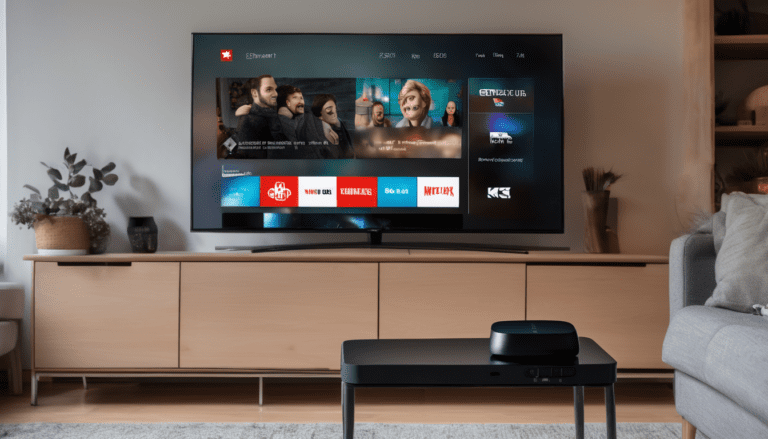
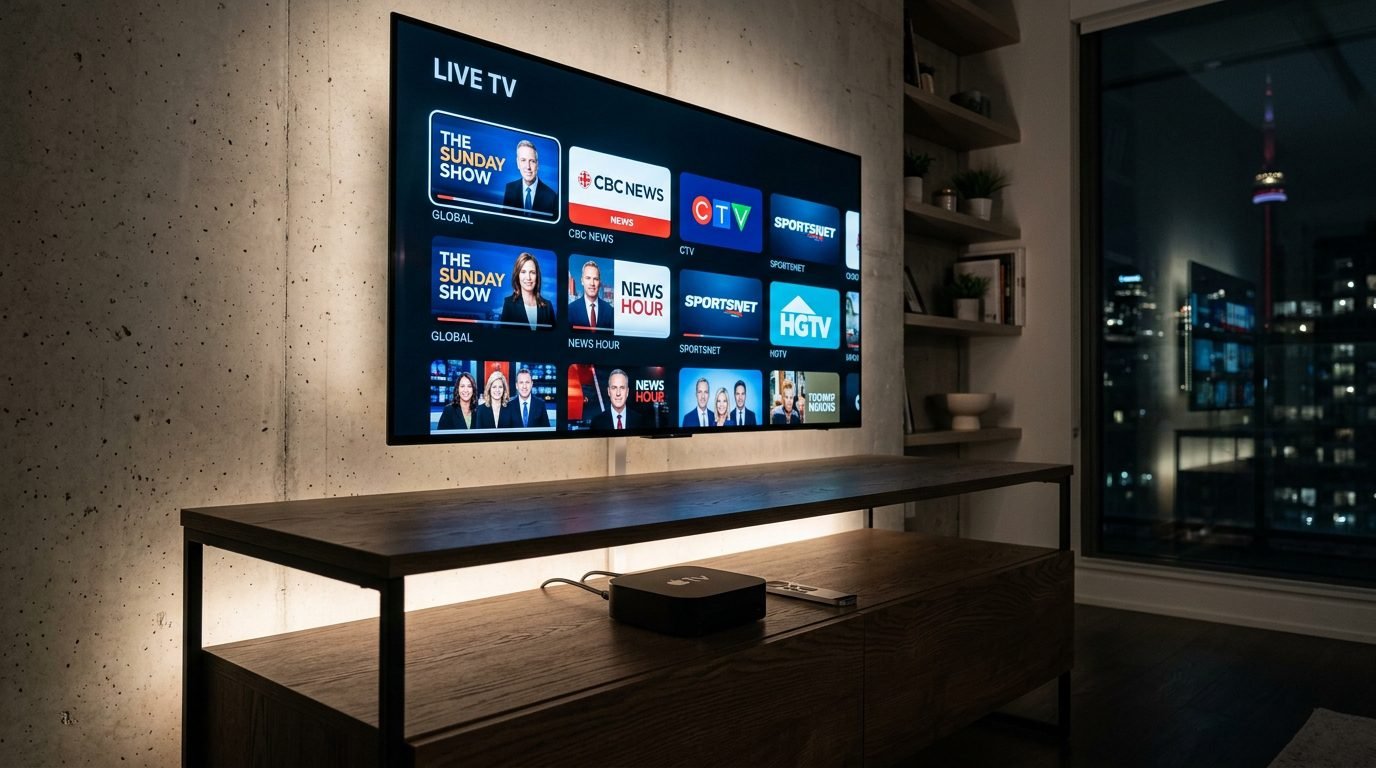
Apple TV is one of the best-built devices for IPTV in Canada. The hardware is fast, the interface is clean, AirPlay support is universal, and the App Store carries every major IPTV player you would actually want to use. This guide walks through how to install IPTV on Apple TV in Canada, which apps work best, what to watch out for, and why pairing Royal Stream IPTV with an Apple TV 4K is one of the smoothest cord-cutting setups available in 2026.
If you already own an Apple TV (whether the older Apple TV HD or the current Apple TV 4K third generation) you have everything you need to stream over 120,000 live channels, sports, and on-demand movies. No additional hardware. No jailbreak. No sideloading.
Why Apple TV Is Excellent for IPTV in Canada
The Apple TV 4K runs the A15 Bionic chip (the same processor used in the iPhone 13), which means it handles 4K HDR streams without dropping frames or buffering even on busy channels. The interface uses tvOS, the most polished smart TV operating system available, and the remote uses both touch and voice via Siri.
For IPTV specifically, Apple TV has three big advantages over the alternatives. First, the App Store carries multiple IPTV player apps built specifically for tvOS, with proper remote support and clean channel guides. Second, AirPlay lets you mirror your iPhone or iPad to the TV instantly, which is useful for casting IPTV from a mobile app you already have. Third, Apple TV gets faster software updates than any Android TV box, which means security patches and new features arrive on schedule.
The drawback is price. An Apple TV 4K starts at around $179 CAD, more expensive than an Amazon Firestick at $50 or an Android TV box at $40. If you only watch IPTV and nothing else, a cheaper device works fine. If you also use Netflix, Disney Plus, Apple TV Plus, AirPlay from your iPhone, and want a snappy interface that lasts five-plus years, the Apple TV is worth the upgrade.
What You Need Before Starting
Before installing IPTV on your Apple TV in Canada, confirm you have:
- An Apple TV HD or Apple TV 4K (any generation works, but 4K is recommended)
- An active Apple ID signed into the device
- A stable home internet connection, minimum 25 Mbps for HD and 50 Mbps for 4K
- An IPTV subscription with login credentials or M3U URL. Start with a Royal Stream IPTV free trial if you do not have one yet
- Roughly 10 minutes for the full setup
You do not need to jailbreak, sideload, or modify the Apple TV in any way. Every recommended app installs through the official tvOS App Store.
Best IPTV Apps for Apple TV in Canada
There are dozens of IPTV apps in the tvOS App Store, but only a few are genuinely worth installing. Here are the four best options for Canadian users in 2026.
1. IPTV Smarters Pro
IPTV Smarters Pro is the most popular IPTV player in the world, and the tvOS version is excellent. The interface is clean, channel switching is fast, and the EPG (electronic program guide) loads quickly. It supports both M3U URL setup and Xtream Codes API setup, which means you can connect to Royal Stream IPTV with either method. The app is free in the App Store.
2. TiviMate Premium (via iOS app + AirPlay)
TiviMate is widely regarded as the best IPTV player on Android TV, with a polished interface, recording support, and multi-playlist management. It does not have a native tvOS app, but you can run it on your iPhone or iPad and AirPlay the stream to your Apple TV. Setup takes a minute and the picture quality is identical to a native Apple TV app. TiviMate Premium costs around $20 USD per year.
3. GSE Smart IPTV
GSE Smart IPTV is a free IPTV player available on the tvOS App Store. It supports M3U playlists, Xtream Codes, and EPG XML files. The interface is functional rather than beautiful, but it works reliably and supports background recording on devices with enough storage. Best for users who want a no-cost option that handles everything.
4. iPlayTV
iPlayTV is a paid IPTV app for Apple TV available on the App Store for around $5 CAD as a one-time purchase. The interface is the cleanest of any IPTV player in the tvOS ecosystem, with smooth scrolling channel guides and proper Siri Remote support. If you can spend $5 and want the best native Apple TV experience, iPlayTV is the recommendation.
Step-by-Step Setup: IPTV Smarters Pro on Apple TV
This is the most common setup path because IPTV Smarters Pro is free, well-supported, and works with every IPTV provider in Canada.
Step 1. From the Apple TV home screen, open the App Store. Search for “IPTV Smarters Pro” and install the app. It is free.
Step 2. Open IPTV Smarters Pro. On the welcome screen, choose “Login with Xtream Codes API” (recommended for easier updates when your provider changes URLs).
Step 3. Enter the connection details from your IPTV provider. For Royal Stream IPTV, you receive these by email or WhatsApp after signup or starting the free trial. Required fields:
- Any Name (label only; call it “Royal Stream”)
- Username (provided by Royal Stream)
- Password (provided by Royal Stream)
- URL (provided by Royal Stream)
Step 4. Tap “Add User.” The app fetches your channel list, EPG, and VOD library. This usually takes under 30 seconds.
Step 5. From the main menu, tap “Live TV.” Browse the channel list, pick a channel, and start watching. Channel switching takes one to two seconds.
Step 6. To improve the experience, go into Settings, then Player Settings, then Default Player, and choose “Built-in Player” for the smoothest tvOS performance.
That is the full setup. Total time: under 10 minutes from a fresh Apple TV to a working IPTV channel.
Step-by-Step Setup: Using AirPlay From iPhone or iPad
If you already have an IPTV app on your iPhone or iPad and want to watch on the big screen without installing a new tvOS app, AirPlay is the fastest path. This works with any IPTV app on iOS, including Royal Stream’s preferred apps.
Step 1. Make sure your Apple TV and your iPhone or iPad are on the same Wi-Fi network.
Step 2. Open your IPTV app on the iPhone or iPad. Start playing any channel.
Step 3. Swipe down from the top right of your iPhone or iPad screen to open Control Center.
Step 4. Tap the Screen Mirroring icon (overlapping rectangles). Select your Apple TV from the list.
Step 5. The IPTV stream now plays on your TV through Apple TV. You can lock your iPhone or use other apps without interrupting the stream.
AirPlay is great for occasional viewing or for trying IPTV on your TV before committing to installing a dedicated tvOS app.
What You Get on Apple TV With Royal Stream
Once Royal Stream IPTV is set up on your Apple TV, you have access to the full Canadian and international channel lineup. This includes every TSN feed, every Sportsnet feed, RDS for French hockey, NHL Network, NBA TV, NFL Network, and live international soccer (Premier League, La Liga, Serie A, Bundesliga, MLS, UEFA Champions League).
You also get every major Canadian over-the-air network (CBC, CTV, Global, CityTV, TVA, Radio-Canada, V Tele) plus news channels (CBC News, CTV News, CP24, BBC, CNN, Fox News, MSNBC) and a deep international lineup with channels from the UK, France, Italy, India, Pakistan, the Middle East, Latin America, and Asia.
The video on demand library on Apple TV through IPTV Smarters Pro includes recent theatrical releases and full series of popular shows. For a complete breakdown, see our IPTV Canada channel list.
Picture Quality on Apple TV 4K
Apple TV 4K supports 4K resolution, HDR10, Dolby Vision, and Dolby Atmos audio. With a quality IPTV provider streaming 4K-supported channels, you get the best picture quality available outside of native Apple TV Plus content. Most live broadcasts are delivered in 1080p HD, which is the broadcast standard, but premium VOD content and select channels stream in 4K.
The Apple TV 4K has dedicated hardware decoding for H.264, H.265 (HEVC), and AV1 codecs, which means even high-bitrate streams play smoothly without dropped frames. This is a real difference compared to cheaper devices that struggle with 4K HEVC streams during peak hours.
Common Issues and Fixes
Buffering or freezing during peak hours. Almost always an internet speed or Wi-Fi signal issue. Check your speed at fast.com — you need at least 25 Mbps consistent for HD. If the Apple TV is more than 5 metres from your router or behind walls, switch to Ethernet via the USB-C to Ethernet adapter.
Channel not loading. Force-quit the app (double-press the TV button on the Siri Remote, swipe up on the app), reopen it, and try again. If multiple channels fail, your IPTV provider may be experiencing a temporary outage. Check their status page or message support.
EPG (channel guide) not showing. In IPTV Smarters Pro, go to Settings, then EPG, then Force Update. The guide refreshes from the provider every 24 hours by default.
4K streams not playing in 4K. Check your Apple TV resolution settings: Settings, then Video and Audio, then Resolution, then 4K HDR. Some channels broadcast in 1080p only, which is normal.
Subtitles not showing. Most IPTV streams do not include embedded subtitles for live channels. Subtitles are typically only available on VOD content, where you can toggle them in the player.
For deeper troubleshooting, our IPTV compatible devices guide covers every common issue across every device.
Apple TV vs Other Streaming Devices for IPTV
| Feature | Apple TV 4K | Amazon Firestick 4K | Android TV Box | NVIDIA Shield TV |
|---|---|---|---|---|
| Price (2026 CAD) | $179+ | $50-60 | $40-80 | $200-300 |
| Best IPTV apps | Many native tvOS | Many native + sideload | Most flexibility | Best of all |
| 4K HDR support | Yes (Dolby Vision) | Yes (HDR10) | Varies | Yes (Dolby Vision) |
| Speed | Excellent (A15 chip) | Good | Variable | Best in class |
| Interface | Cleanest | Functional but ad-heavy | Stock Android TV | Stock Android TV |
| AirPlay | Native | Limited | Limited | Via AirScreen |
| Voice control | Siri | Alexa | Google Assistant | Google Assistant |
| Software updates | 5+ years | 3-4 years | 1-2 years | 5+ years |
| Best for | All-in-one premium | Budget cord-cutters | Maximum customization | Power users |
If you only need IPTV and nothing else, a Firestick at $50 is the best value. If you want a long-term premium setup that handles every streaming app smoothly and lasts five-plus years, Apple TV 4K is worth the price difference.
Privacy and Apple TV
Apple TV is the most privacy-respecting streaming device in the consumer market. tvOS does not allow apps to track you across other apps without explicit permission, the App Store reviews every IPTV app before publication, and Apple does not share usage data with advertisers the way Amazon Fire does with Firestick.
For IPTV specifically, this matters because some cheaper IPTV apps on Android TV harvest viewing data and resell it. The tvOS apps recommended in this guide are clean. They do not track viewing habits, they do not require unnecessary permissions, and they do not show ads inside the app.
Pricing: IPTV on Apple TV Canada
The Apple TV is a one-time hardware cost. The IPTV subscription is the recurring cost. Here is what you pay in 2026 Canadian dollars:
One-time hardware:
- Apple TV HD: $159 CAD (older, 1080p only)
- Apple TV 4K (3rd gen): $179 CAD (recommended)
Annual IPTV subscription with Royal Stream:
- 1 month at a time: $20/month ($240/year if paid monthly)
- 12 month plan: $69/year (best value, $5.75/month equivalent)
- 12 month with 5 connections: $212/year (for households with multiple TVs)
Total first-year cost for a complete Apple TV 4K IPTV setup: $179 hardware plus $69 IPTV equals $248 for the entire first year. Subsequent years drop to $69 per year for IPTV only. Compare that to $130 to $180 per month for cable with the same channel access.
FAQ: Apple TV IPTV Canada
Is IPTV legal on Apple TV in Canada?
Yes. Using a paid IPTV subscription on Apple TV is legal for the end user in Canada. The CRTC has not pursued individual subscribers, and every IPTV app in the official Apple App Store is vetted by Apple before approval. Choose a reputable provider with proper Canadian customer support.
Do I need to jailbreak my Apple TV to install IPTV?
No. Every recommended IPTV app (IPTV Smarters Pro, GSE Smart IPTV, iPlayTV) is available in the official tvOS App Store. There is no need to jailbreak, sideload, or modify your Apple TV in any way. Setup is straightforward through the standard App Store install process.
Which IPTV app is best for Apple TV?
For most users, IPTV Smarters Pro is the best balance of features, performance, and cost (free). For users who want the best native Apple TV experience and do not mind paying $5, iPlayTV is the most polished option. For free users who do not want any in-app purchases, GSE Smart IPTV works reliably.
Will IPTV work on my older Apple TV HD?
Yes. All recommended apps support Apple TV HD (4th generation, 2015) and newer. The Apple TV HD streams in 1080p maximum with no 4K support, but the IPTV experience is otherwise identical to the Apple TV 4K.
Can I use AirPlay to watch IPTV from my iPhone?
Yes. AirPlay works with any IPTV app on iOS. Open the IPTV app on your iPhone or iPad, start a channel, swipe down for Control Center, tap Screen Mirroring, and select your Apple TV. The stream plays on the TV with no quality loss.
Does Royal Stream IPTV work on Apple TV?
Yes. Royal Stream provides full setup instructions for Apple TV at signup, and the service works with every recommended app (IPTV Smarters Pro, GSE Smart IPTV, iPlayTV). Start a free 24-hour trial to test it on your Apple TV with no credit card required.
What internet speed do I need for IPTV on Apple TV 4K?
For 1080p HD streaming, 25 Mbps is the minimum. For 4K streaming, 50 Mbps or higher is recommended. Most Canadian home internet plans from Bell, Rogers, Telus, Videotron, Shaw, and Cogeco easily meet this. If you stream on multiple devices simultaneously, aim for 100 Mbps or higher.
Will I lose IPTV access if Apple updates tvOS?
No. tvOS updates do not break IPTV apps from the App Store. The recommended apps are actively maintained and updated to support every new tvOS release. You may occasionally need to update the IPTV app itself, and this happens automatically through the App Store.
Bottom Line: Is Apple TV Worth It for IPTV in Canada?
If you already own an Apple TV, setting up IPTV is a 10-minute project that gives you 120,000-plus channels, every Canadian network, full sports coverage, and a video on demand library, all on the most polished streaming device on the market.
If you do not own an Apple TV yet, the decision comes down to budget. A Firestick at $50 gets you IPTV working at the same quality for a fraction of the price. An Apple TV 4K at $179 gives you a premium, ad-free, privacy-respecting interface that will outlast cheaper devices by years.
For Canadian households that want a complete cord-cutting setup that works for everyone in the family, Apple TV 4K paired with Royal Stream IPTV is hard to beat. The total annual cost after year one drops to $69, which is less than a single month of a comparable cable bill.
Ready to test it? Start your 24-hour free IPTV trial with no credit card required and have IPTV running on your Apple TV in under 10 minutes.
Marc Tremblay, Royal Stream IPTV
Version française disponible
Ce service est aussi offert en français — équipe à Montréal, soutien francophone 24/7.
Guide d’installation → Accueil français
Marc Tremblay is a Canadian cord-cutting enthusiast based in Montreal. After spending years overpaying for cable, he started testing IPTV services across Canada and writing about what actually works. He covers streaming, Canadian sports broadcasting, and everything cord-cutting at Royal Stream IPTV.